
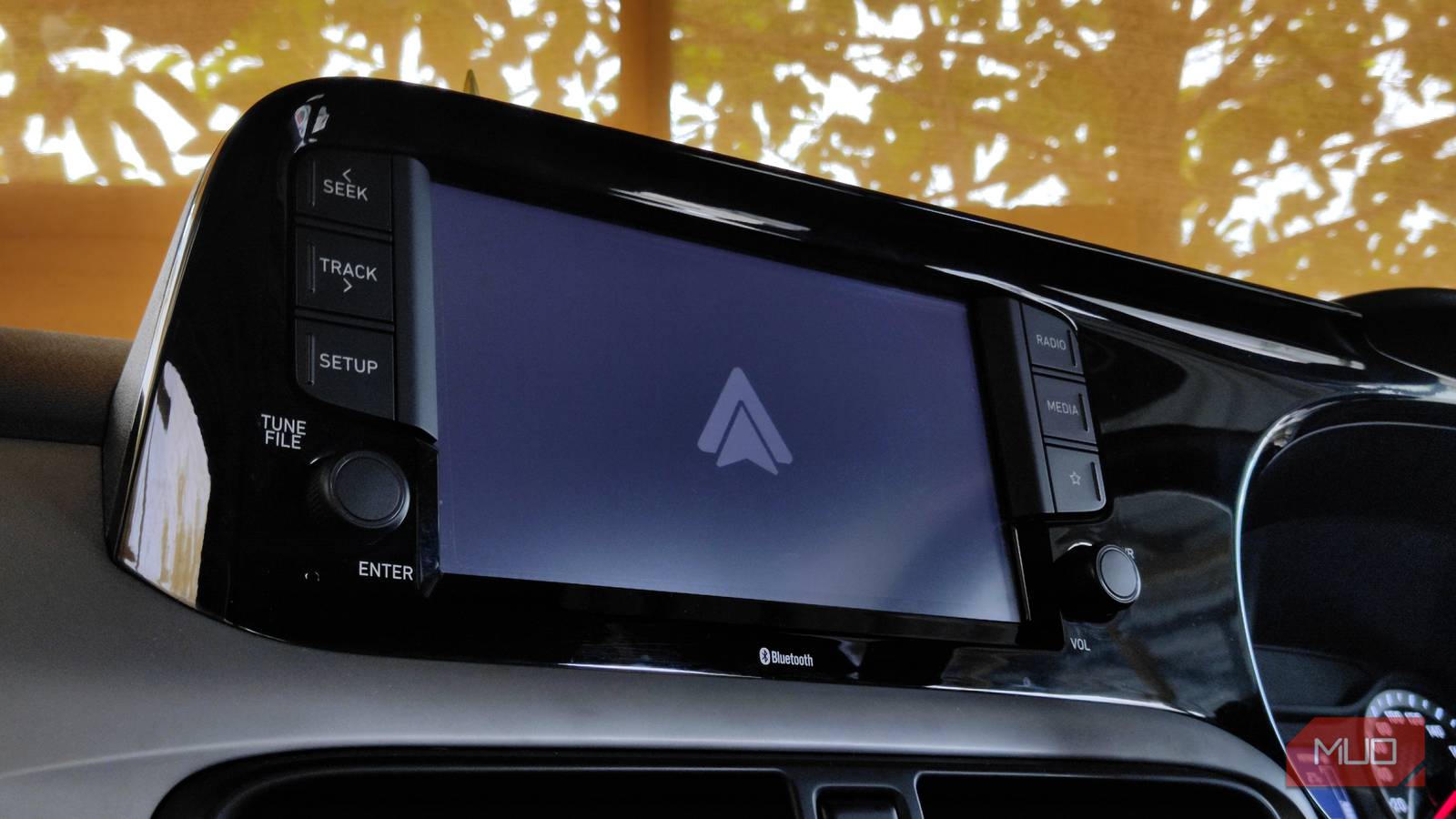
Wireless Android Auto is great. You slide into the driver’s seat with your phone still in your pocket, and the dashboard magically springs to life with all your favorite Android Auto utility apps and navigation, ready to go. It feels futuristic and clean, and it’s precisely how technology should work.
But after using it for six months, I realized something. That is, wireless Android Auto is more of a compromised utility than the seamless integration it’s supposed to be. The wireless head units and dongles are marketed as premium upgrades, but my experience suggests otherwise.

For the last month, I’ve been using wired Android Auto mode again, and I’m now convinced that anyone who cares about their phone’s battery health, better audio quality, and safety should stick with wired Android Auto. Here’s why I’m never going back to a wireless connection for Android Auto.
The input lag
It’s dangerous and frustrating

In the context of gaming, a few hundred milliseconds of latency results in a missed shot. But in a vehicle moving at 60mph, latency is no longer about winning a game; it becomes an issue for mental workload and safety. When you use a high-quality USB cable (often the one provided in your phone’s box), the connection between the phone and the head unit is effectively 1:1. You tap Skip, and the track changes. You drag the map, and it moves. There’s no adapting to a one-second delay in movement.
With wireless Android Auto, that wired connection is replaced by a Wi-Fi projection protocol. Even with a high-end flagship phone and premium head units, there’s an inherent, inescapable input lag. It might only be 100-200ms, but your brain still notices. This leads to the UI feeling muddy and sluggish when you try to interact with maps or the media player, forcing you to spend longer than necessary on your head unit screen.

I added a real web browser to Android Auto, and it changed everything
Parking-lot downtime finally has a purpose.
Adding to the inconvenience, in wireless mode, Google Assistant repeatedly experiences handshake delays. You press the voice command button, and then there’s a hesitation before the Assistant pops up with the listening bubble.
Within that split-second pause, we wonder if it worked and commit the classic blunder of repeating the command right as the system starts listening. The friction of that muddled query is no concern when you’re using wired mode.
Battery draining issues
Wireless charging can’t cut it

To project the interface wirelessly, your phone must simultaneously run a high-speed Wi-Fi Direct connection for data, Bluetooth for the handshake and phone calls, and the GPS module for location accuracy (unless your car shares its own GPS data, which many do not). This creates a significant power draw. A simple solution we often resort to is wireless charging in modern cars.
While this sounds like a great solution on paper, it also generates noticeable heat as a byproduct. That isn’t an issue when you’re wirelessly charging at home, but in a car, when your phone is already working overtime with constant GPS and Wi-Fi Direct use, it can generate enough heat to damage the phone’s battery in a short time. Not to mention that most modern phones throttle charging when they overheat, which might leave your device completely drained on long trips.
On the other end, a wired connection provides a stable and efficient charging solution while plugged in. With wired Android Auto, you arrive at your destination with 100% battery almost every time. Most modern smartphones also benefit from this, as they have charging pass-through, where the phone runs directly from connected power. This keeps your battery at zero load and further preserves its health.
Inferior audio
Wireless audio is good, but it can’t beat wired audio
Car stereos first used Bluetooth for wireless audio, but now use Wi-Fi with wireless Android Auto. Wi-Fi has more bandwidth than Bluetooth, but wireless still compresses audio to keep the stream smooth and stable while using Android Auto. This means it values low latency and steady connection over higher sound quality.
If you’ve invested in a premium car audio system or audio subscription (like Apple Music and Spotify), or you are someone like me who still uses offline audio to stream high-quality music, feeding it a wirelessly compressed signal is akin to watching a 4K movie on a CRT monitor. Wireless music also suffers from signal noise. In areas saturated with radio structures, wireless music will inevitably crackle or at least micro-stutter due to interference.
On the contrary, a wired audio is a shielded pipe. It’s never bothered by RF noise or nearby interference. And the best part is it always delivers the uncompressed, high-bitrate audio your DAC deserves. The bass never drops when the chorus hits.
The convenience of leaving your phone in a pocket isn’t worth the tradeoff
Wireless Android Auto is like a cool beta test that’s stable enough, but still hasn’t quite overcome the laws of physics regarding heat and bandwidth. Wired Android Auto, in comparison, feels like a production release. While the new Silicon Carbon (SiCa) battery is helping us avoid hitting 0% battery, it’s still not ready to handle the load of Android Auto.
Until the battery tech is properly matured and wireless protocols become more efficient, the tethered connection is the only “pro” way to make the most of your car’s infotainment without anxiety or safety concerns. Don’t let the allure of a wire-free dashboard compromise your safety, your audio quality, or your battery life. Keep the cable.
link